Help your family know where to start.

A practical guide for adult children helping a parent organize their digital life, at a pace that respects their privacy.
  • Instant download
  • Works on any device
  • Your information stays with you
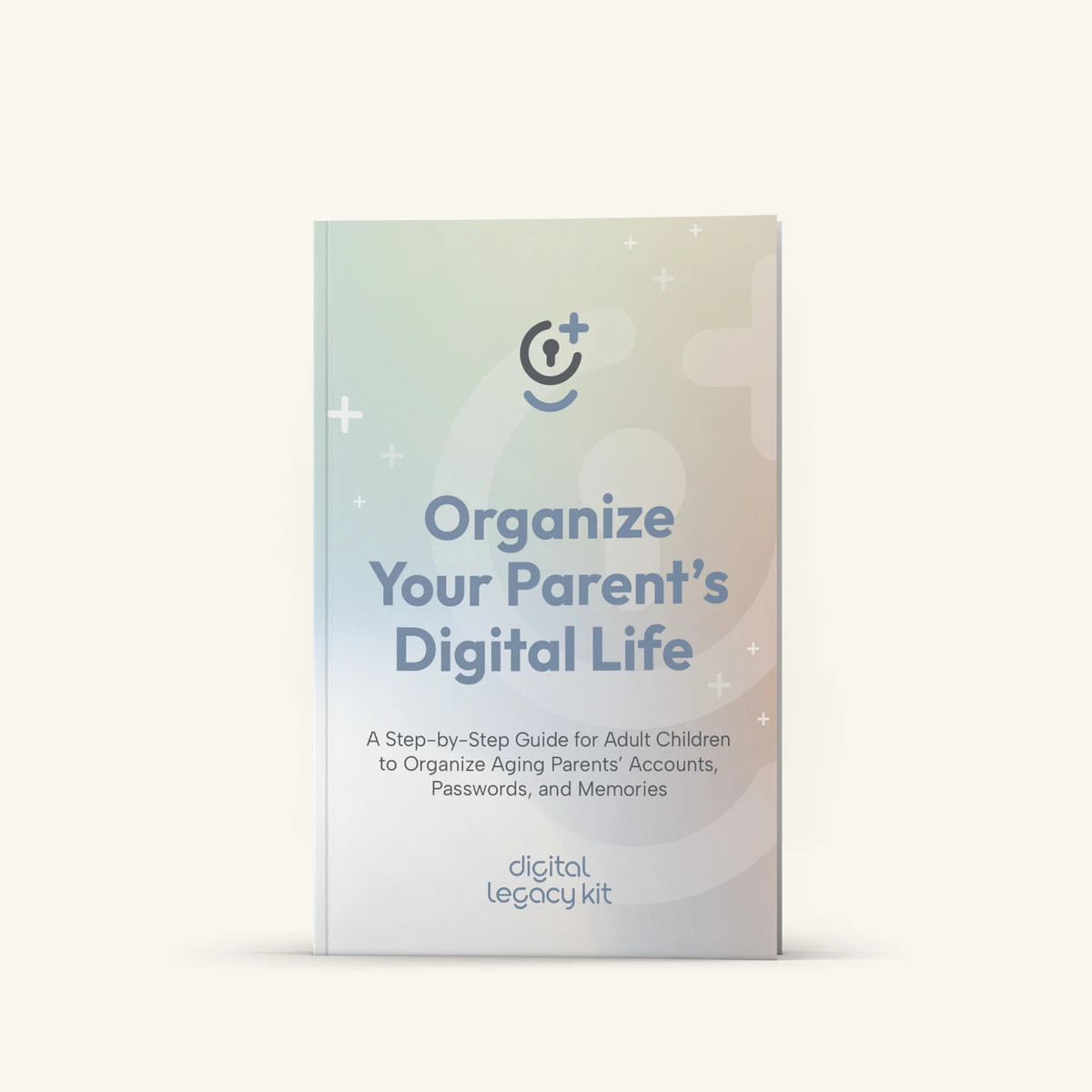
Cover of the book Organize Your Parent’s Digital Life

If something happened to Mom or Dad tomorrow, would you know where to start?

The house and the bank account are easy to find. The digital pieces are harder, and usually only your parent knows where they are.

The email that resets everything
Photos nobody else can open
Subscriptions that keep billing
A passcode only one person knows

Writing it down together takes less time than you’d think. Start with ten minutes.

Choose your kit

Both kits include the book and the printable Legacy Map. The Complete Kit adds a planner you fill in on screen. One payment, no subscription.

Essentials

For reading and filling in by hand.

$29 one-time

  • Organize Your Parent’s Digital Life, the complete book (PDF and EPUB)
  • The Digital Legacy Map, 17 sections plus a family notification plan (printable PDF)
  • Instant download

Not sure yet? Look inside the book first

Planning your own? The Legacy Map works just as well when you fill it in for yourself.

The book is written for adult children helping a parent. You can fill in the Map on your own, or sit down and do it together.

Every purchase comes with a 14-day guarantee. If the kit isn't useful for your family, tell us what didn't work and we'll refund you. Orders are processed securely by Paddle, our Merchant of Record. Questions? Write to hello@digitallegacykit.com.

Look inside before you buy

Explore the chapter titles and sample content from the book and the Legacy Map.

The book

The Legacy Map · 17 sections plus a family notification plan

Organize Your Parent’s Digital LifePage 1 of 7

13 chapters

  1. 1Starting the Conversation: Finding Forgotten Accounts Together
  2. 2Where Your Parent’s Money Lives Online
  3. 3Finding and Protecting Your Parent’s Memories in the Cloud
  4. 4The Keys to the Kingdom: Phones, Laptops, and Physical Access
  5. 5The 2FA Wall: Two-Factor Authentication and Backup Codes
  6. 6Managing Social Media and Online Profiles
  7. 7The Master Key: Accessing and Protecting Your Parent’s Email
  8. 8Digital Things Worth Real Money
  9. 9Closing the Doors: Protecting Your Parent’s Identity
  10. 10Who Needs to Know? Choosing Your Trusted People
  11. 11Working Together: Siblings, Roles, and Family Harmony
  12. 12Supporting a Resistant or Struggling Parent
  13. 13Keeping It Current
Digital Legacy Kit · PreviewPDF & EPUB

Fill it in on screen. Keep it to yourself.

The Legacy Map Planner takes you through the Map one section at a time. See what’s done and what’s left, then print your finished Map or save it as a PDF.

  1. Fill in a section at your own pace.
  2. Your answers save in this browser as you type. Download a backup to keep.
  3. Print your Map or save it as a PDF when you’re ready.

How we handle your information

  • Your answers stay in your browser. We don’t receive or store your plan.
  • The guides never ask for passwords, PINs, account numbers or recovery phrases. You note where those are kept, not what they are.
  • Payment is handled by Paddle, which never sees your plan.

Questions before you start

If you like reading and writing by hand, Essentials has everything you need. If you’d rather type and keep a clean digital copy, choose the Complete Kit. The book is for adult children who want to help a parent get organized; the Map and planner work for your own information, or for a parent’s as you sit down together.

Most legacy apps store your information on their servers. Our guides keep it with you: on paper, or in a file you control. Nothing to log into, nothing to renew.

No. The guides ask where passwords and recovery codes are kept, such as a password manager or a safe, never the passwords themselves.

Right after checkout you’ll see your download links. Payments are processed securely by Paddle.

Only in the browser you’re using — never on our servers, and there’s no time limit. Your answers stay until you clear the browser’s site data, switch device, browser or browser profile, or use a private window. Each browser keeps its own copy, so the same computer in a different browser starts empty.

No. A private window throws everything away the moment you close it, so your answers would be gone before you could back them up. Use a normal window, and download a backup file from the planner when you finish a section — that file is yours to keep, survives clearing your browser, and can be restored on any device.

Yes. The Map is designed to print at home, and the book reads on any e-reader, phone, tablet or computer.

No. The guides help you organize information and record your wishes. Access to accounts after a death or incapacity depends on the law and each company’s rules, so talk to an estate-planning attorney about legal documents.

Yes. We suggest a quick review once a year, or whenever you open or close an important account.

Write to hello@digitallegacykit.com and we’ll help.

Start with one question this week.

You don’t need to finish in one sitting. A single page of notes can save your family hours of searching later.